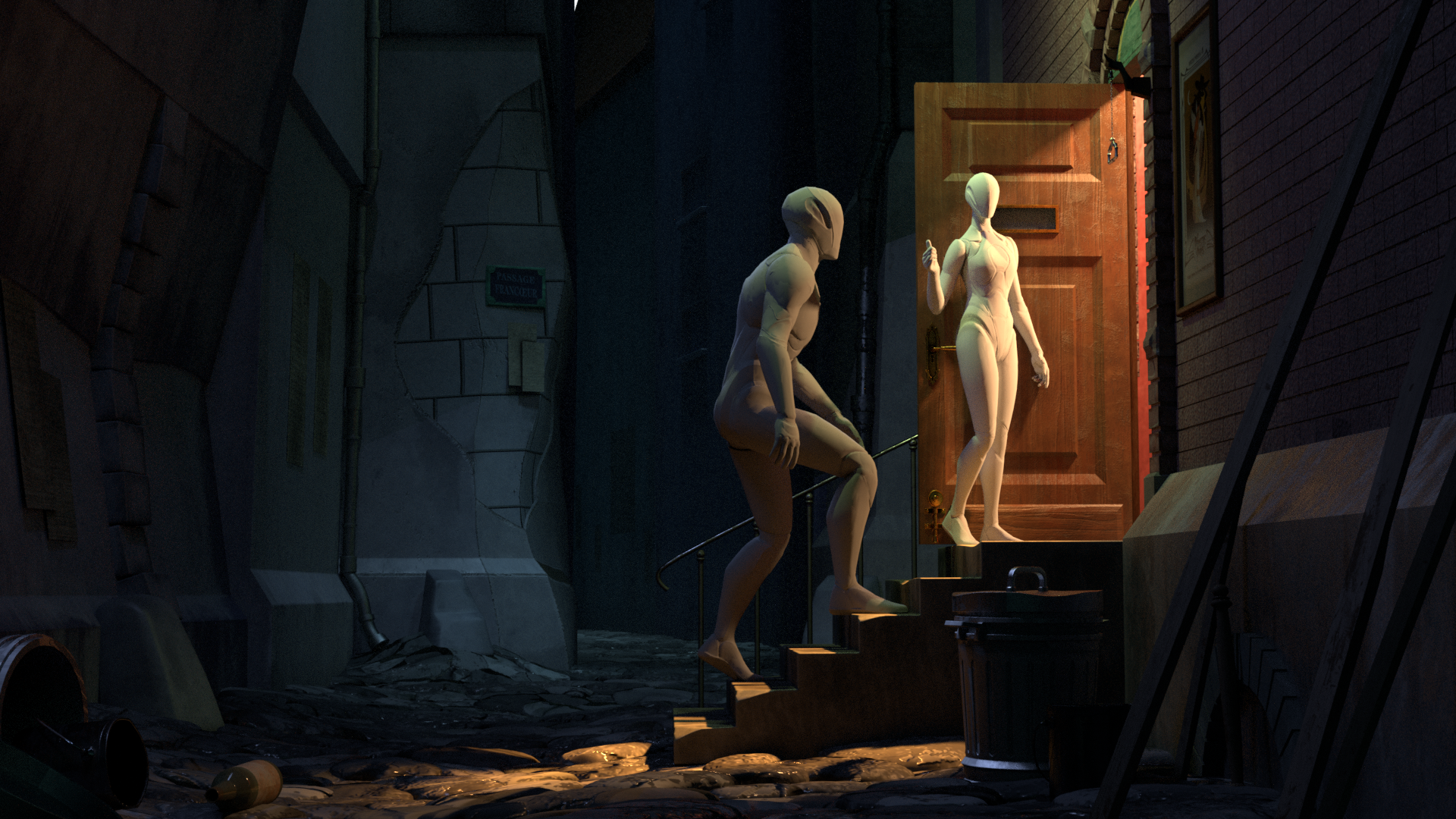
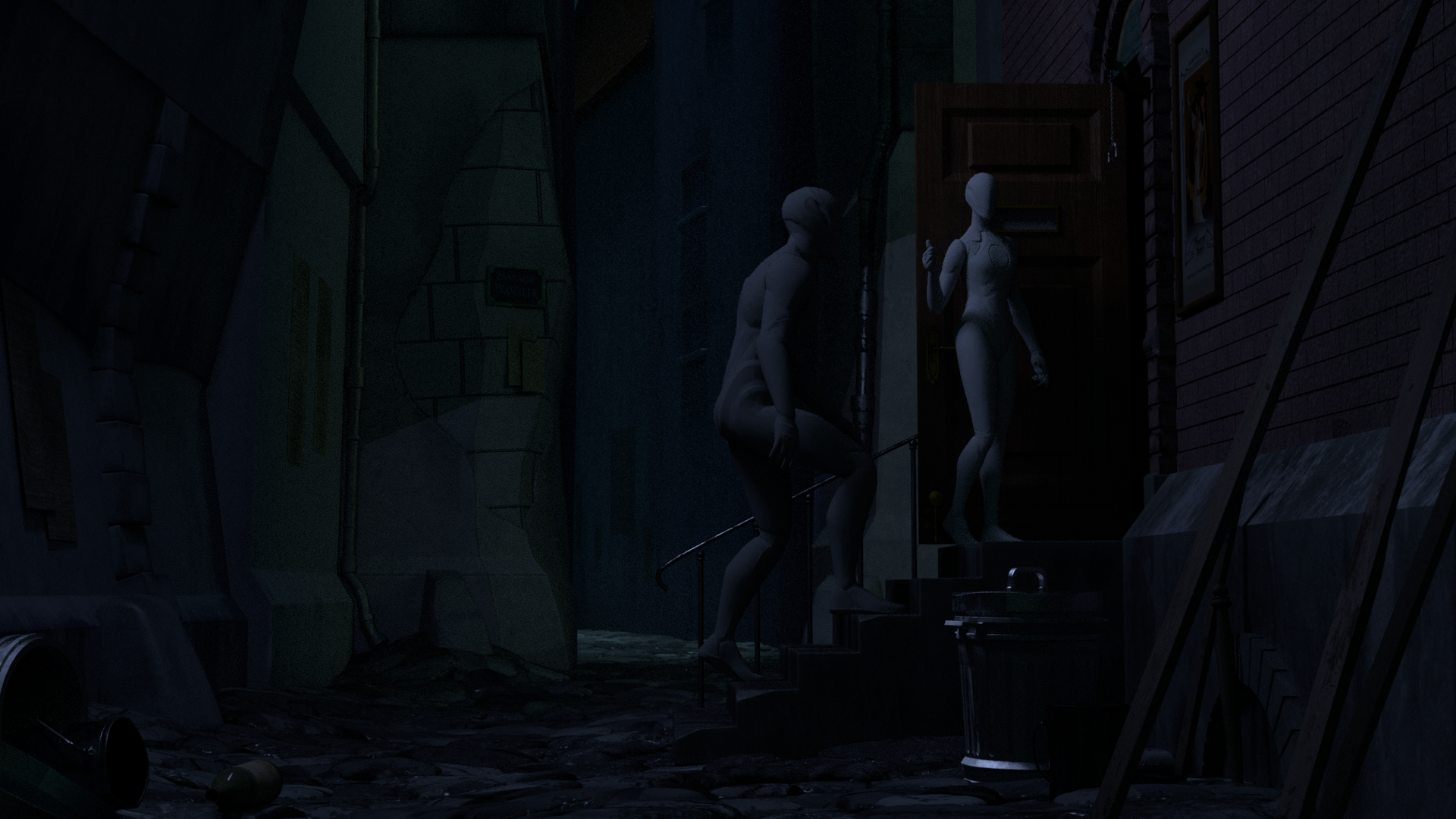
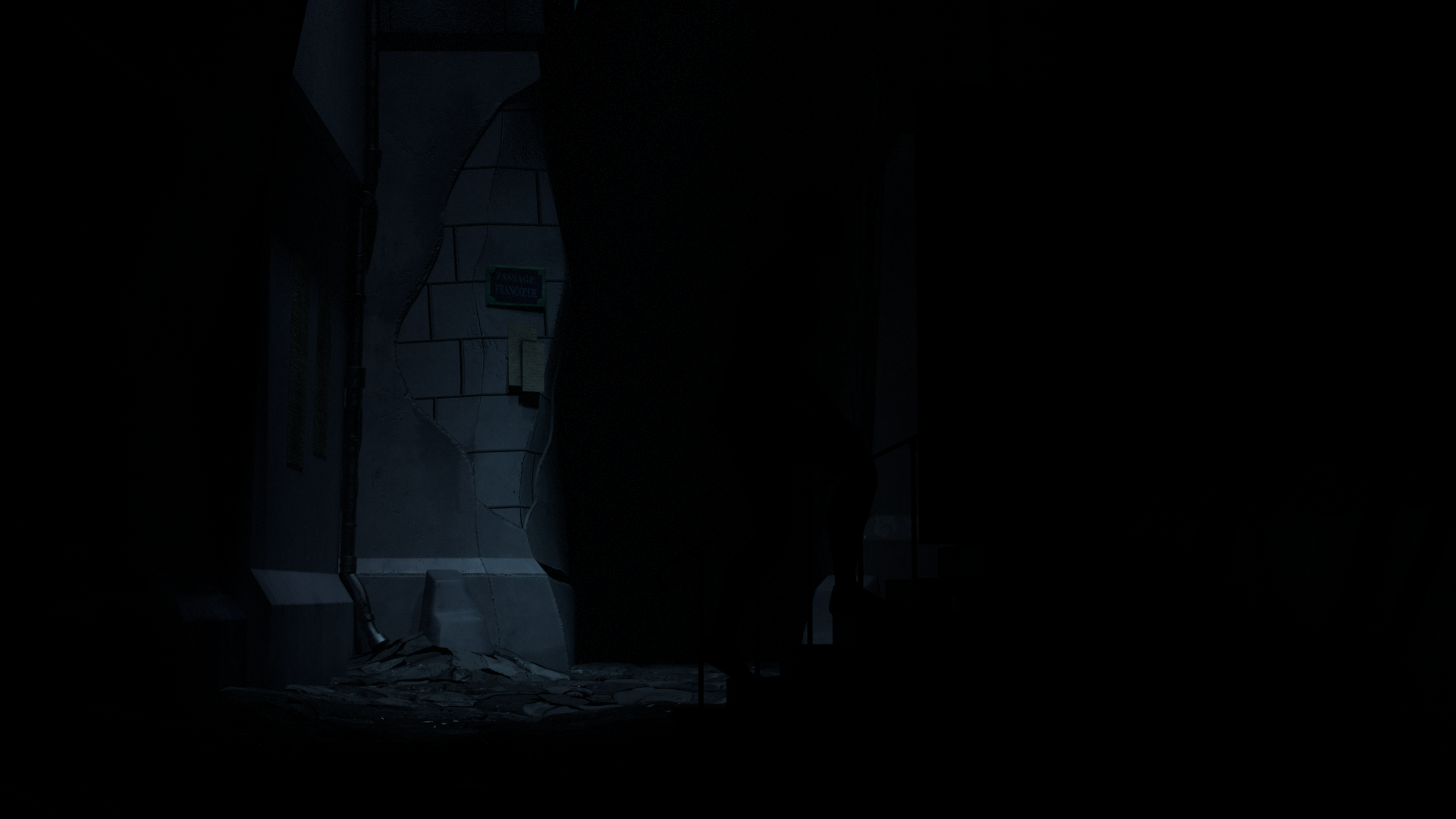
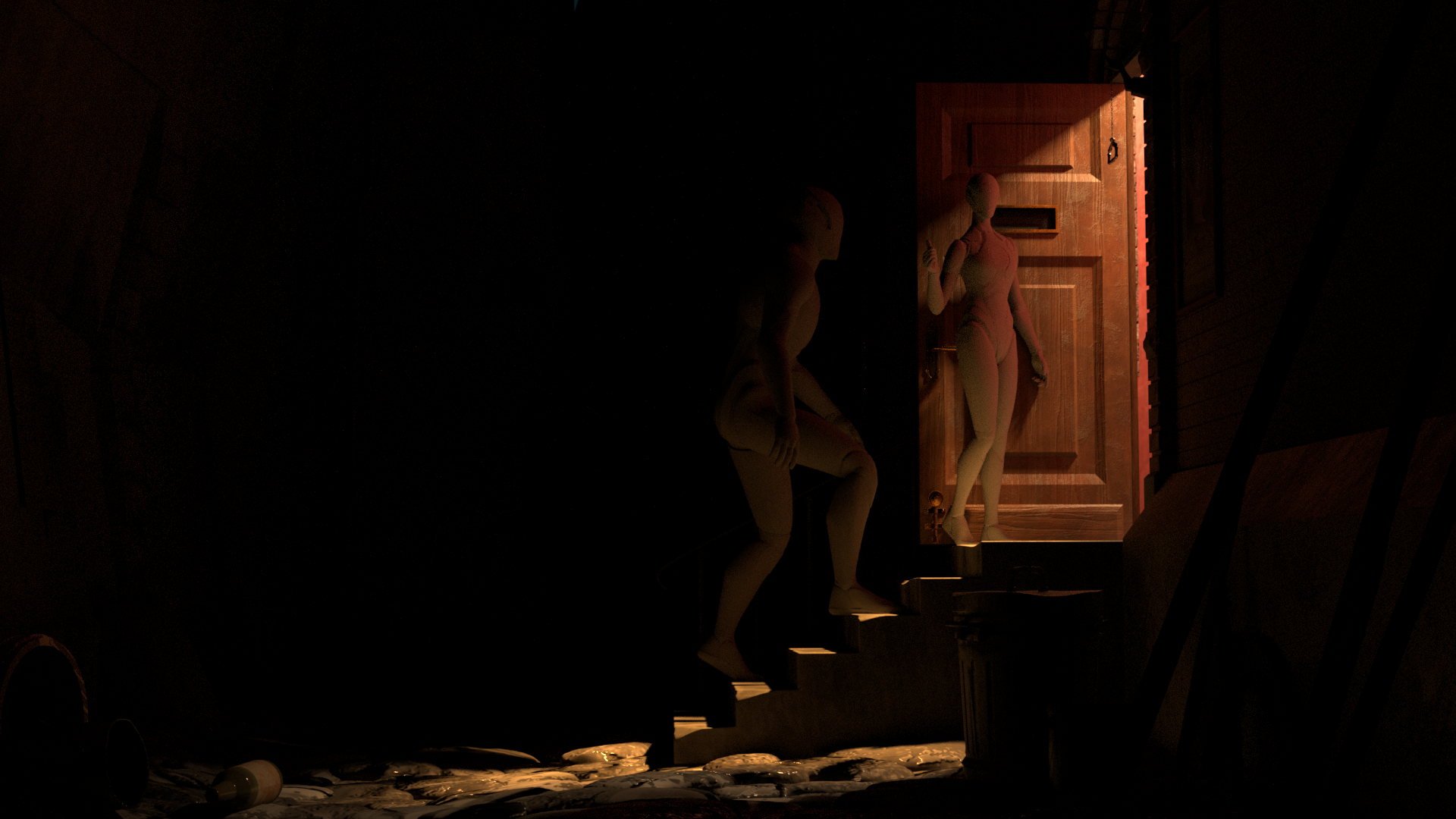
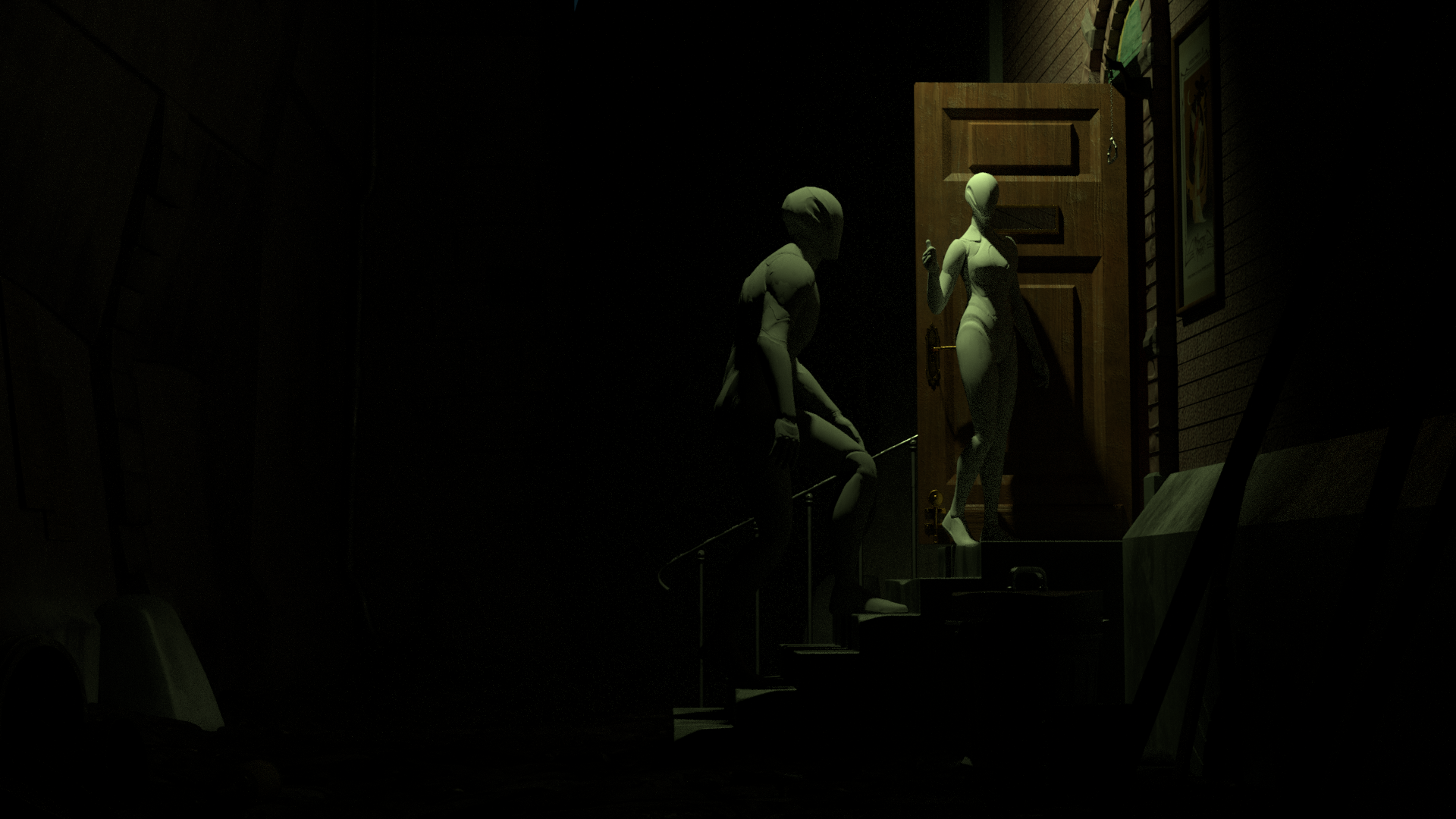
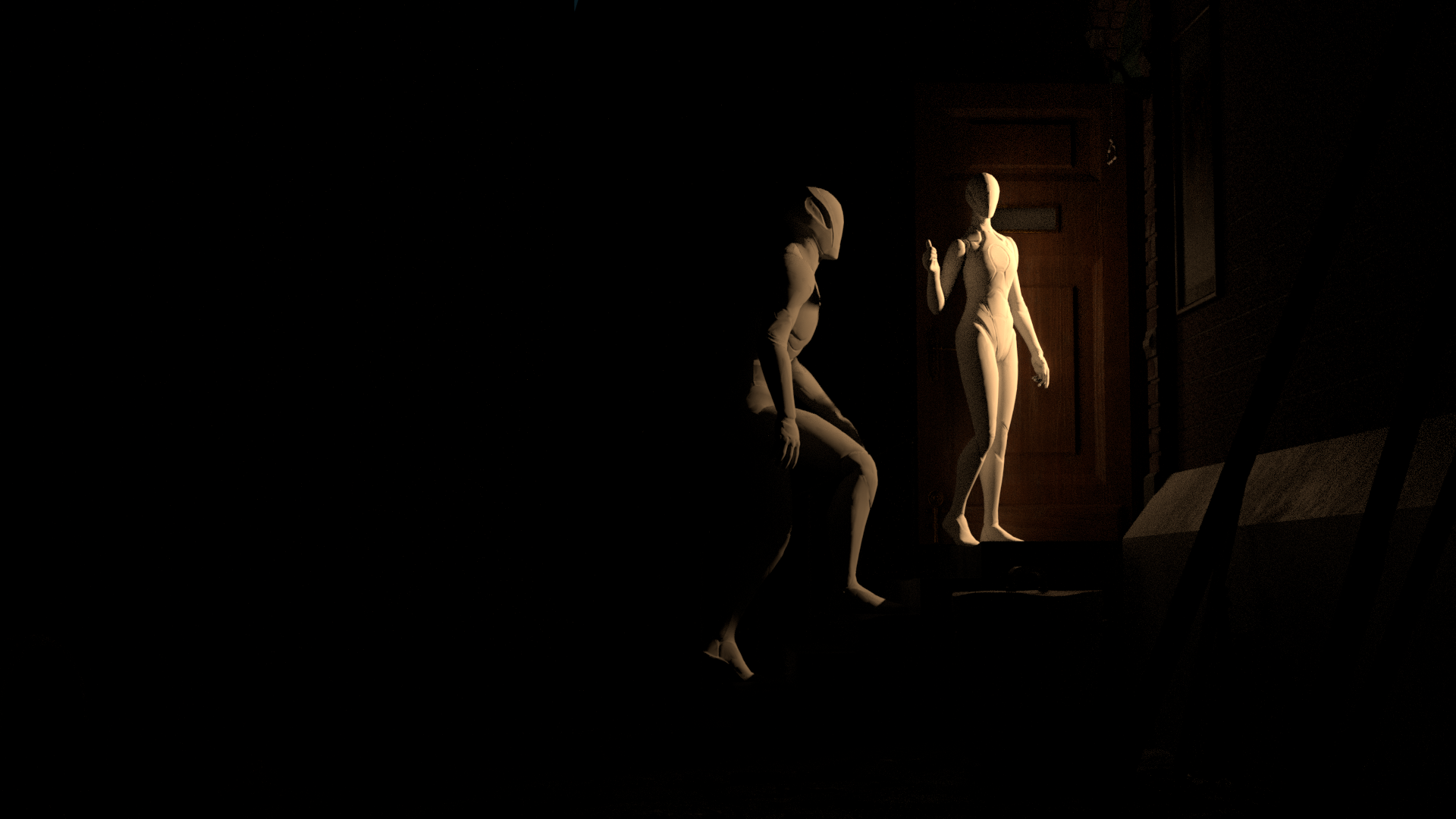
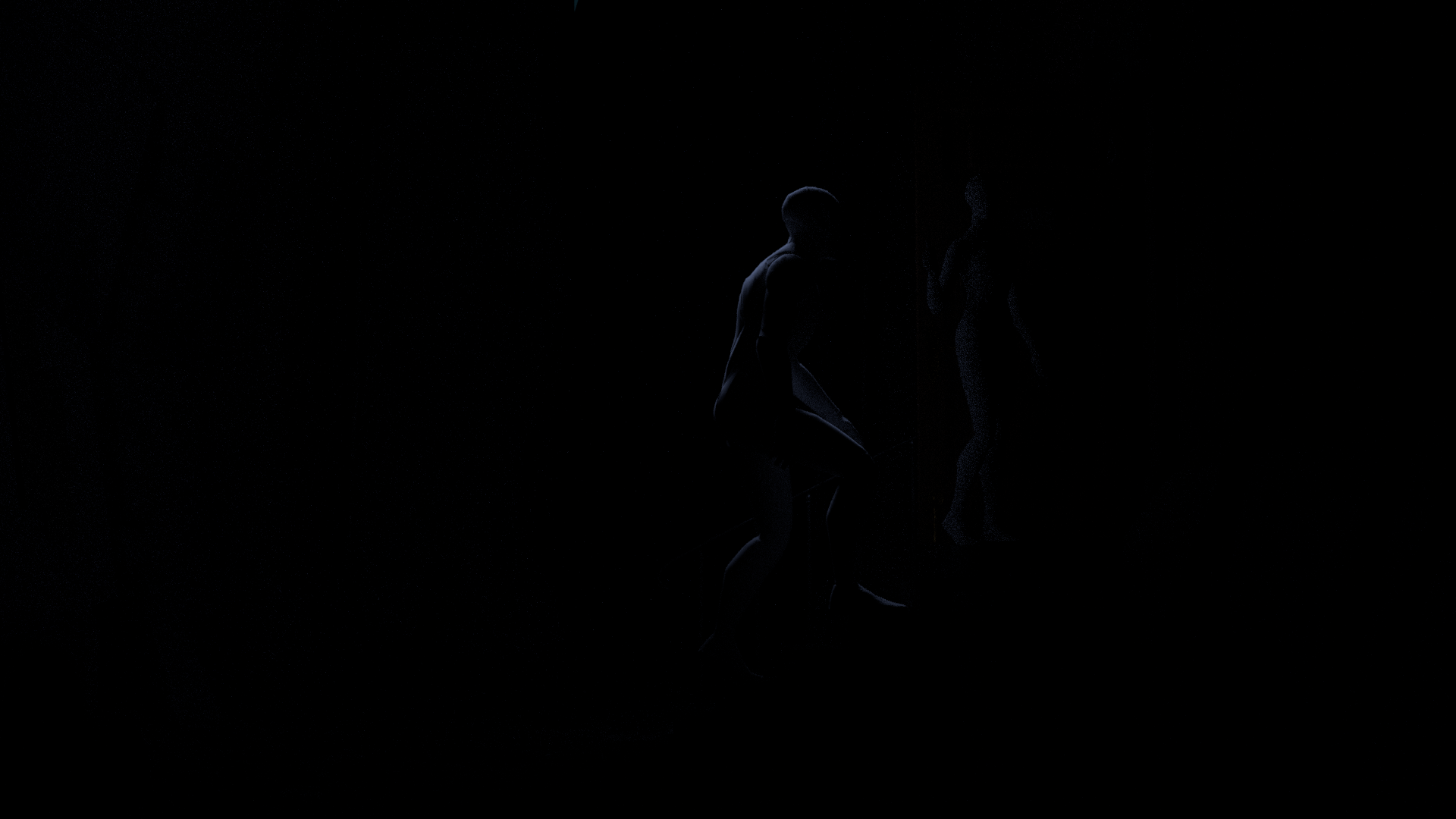
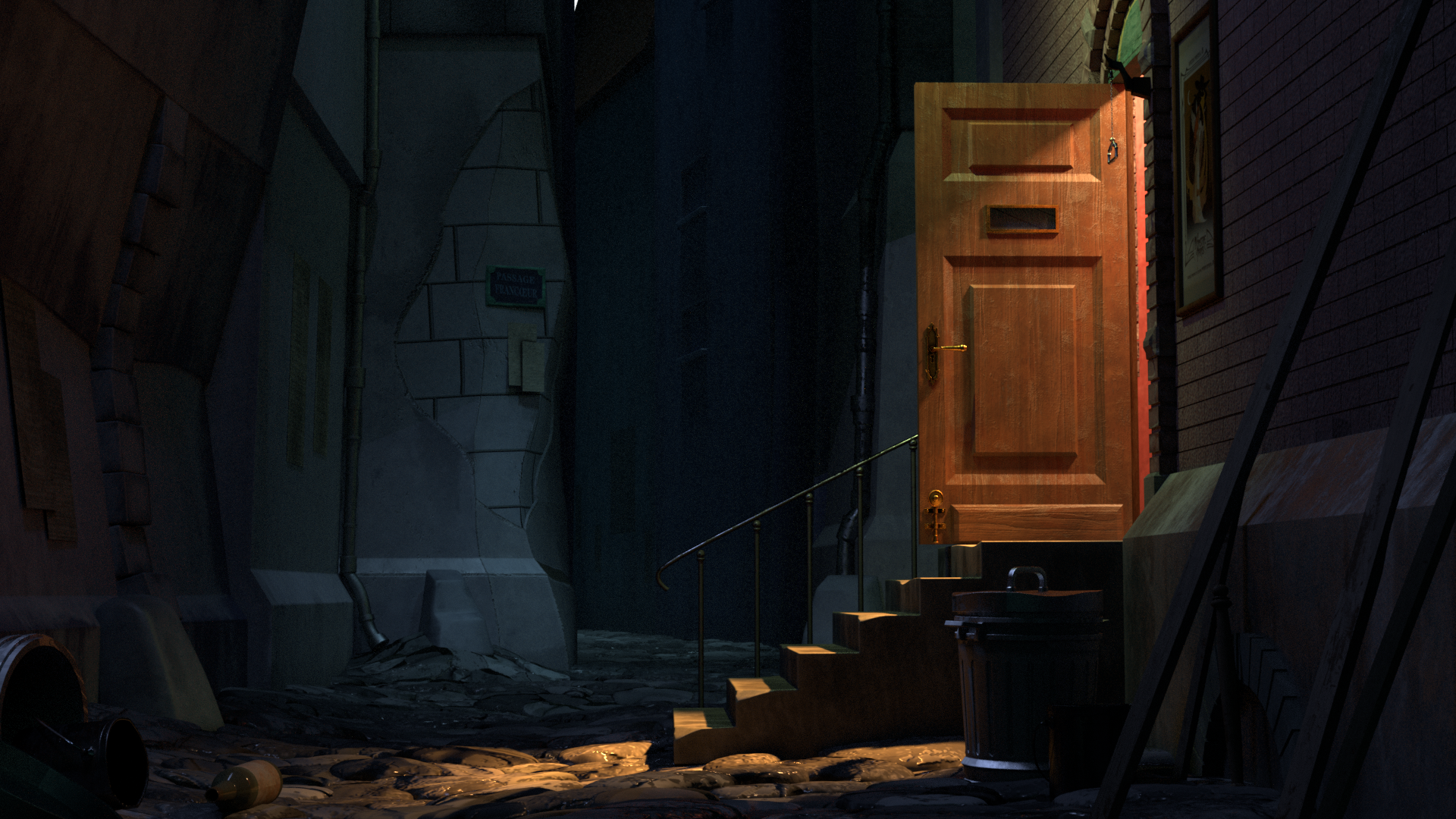
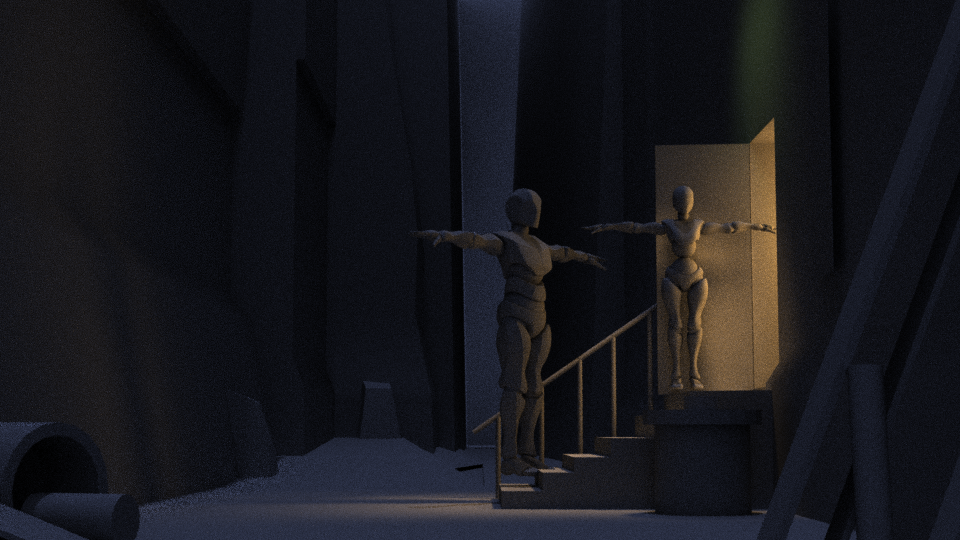
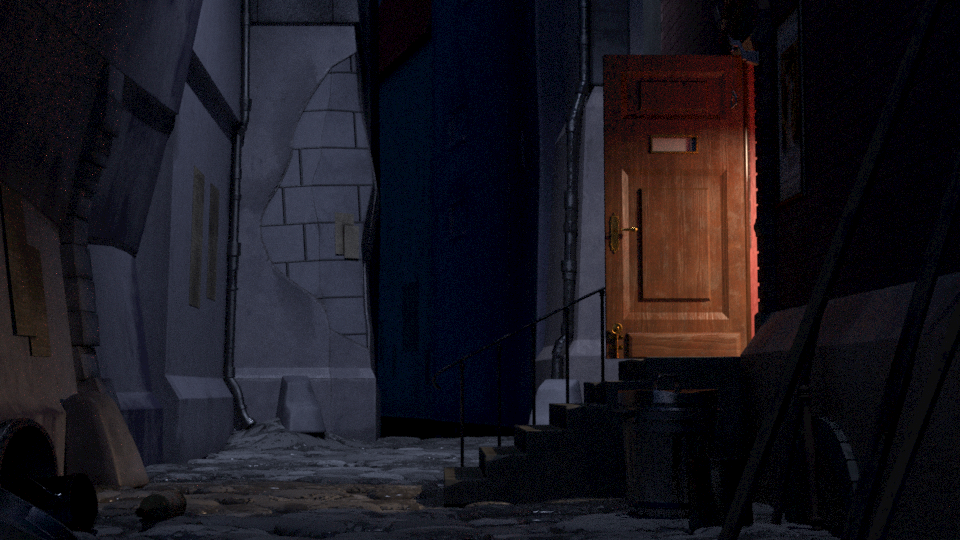
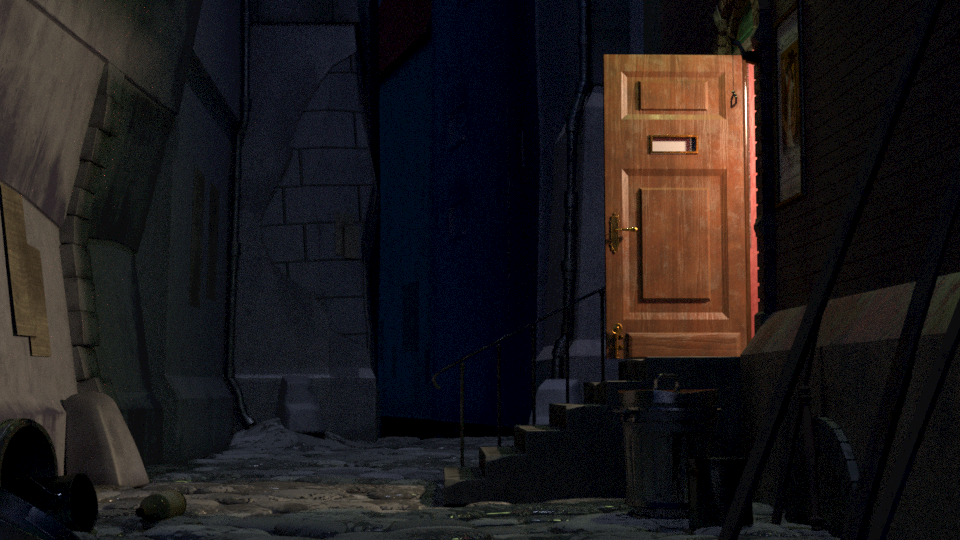
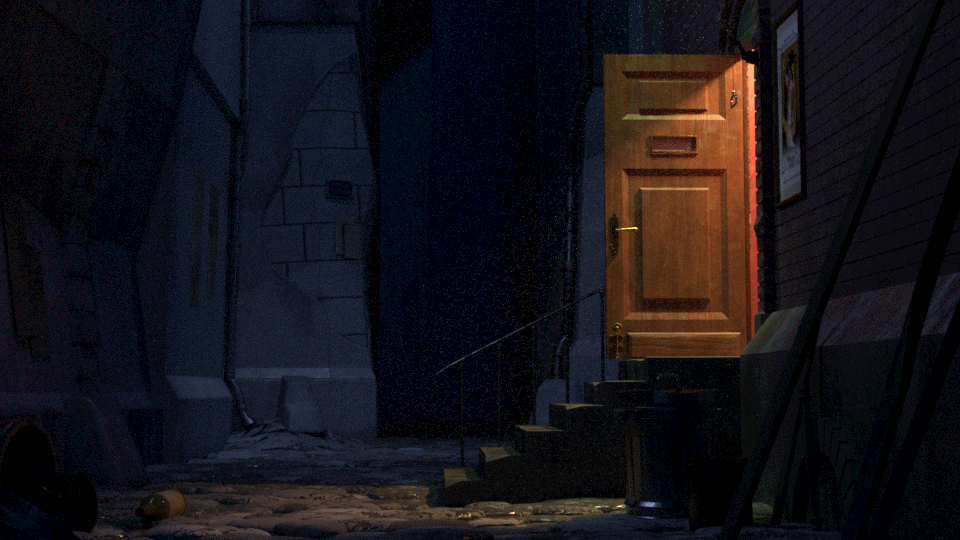
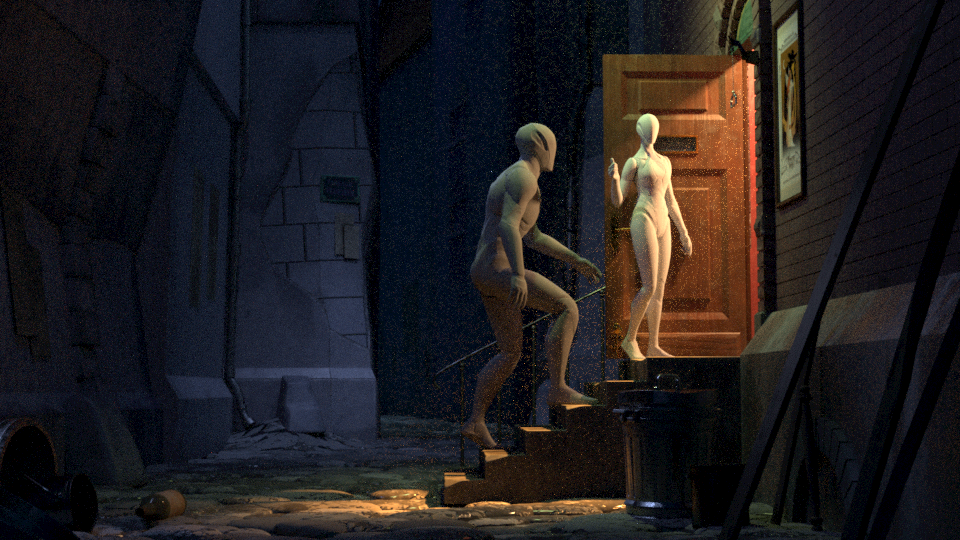
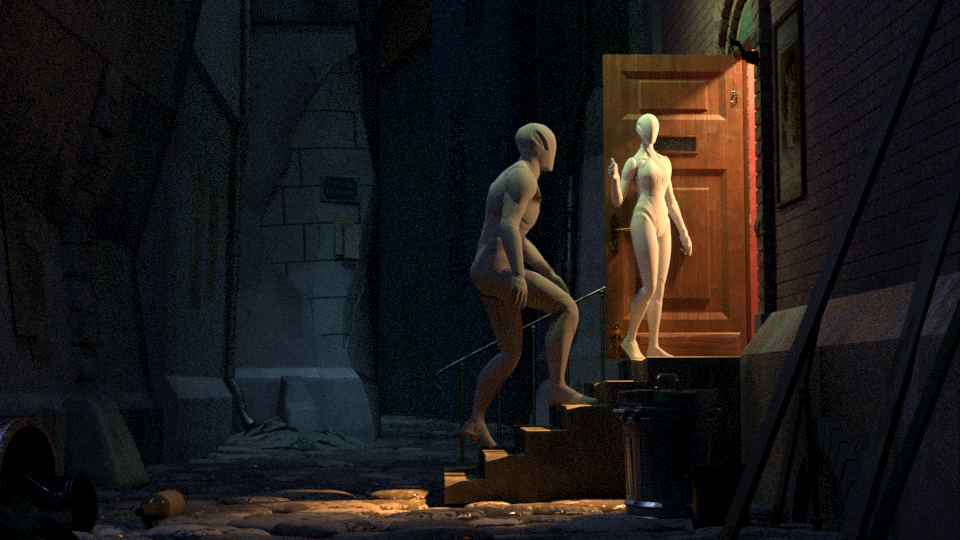
When lighting any scene, the first step was to identify where all of the lights were coming from. This meant looking at different scenes to get a better picture of the alley and where the light sources were. I determined it was mainly the moon, the hallway, and the doorway light and initially blocked out the lighting with just those 3 lights.
Once most of the models and textures were in, I then proceeded to refine the master lighting which included better placements of the main lights and adding an HDRI for the environment lighting.
Once the master lighting was done, I then moved into light refinement which consisted of light linking lights to the characters and making sure the lights were hitting what they were supposed to be, leading to the final result.
I separated the lights using light groups and categorized them as one of the following:
- Environment Lights
- Building Spotlight
- Hallway Lights
- Doorway Spotlight
- Character Key Light
- Character Rim Light
These were the main groupings that if the need arose, the lights could be edited and mixed differently if an object or character needed more or less light or if certain lights needed to be color corrected.
Environment Light
Building Spotlight
Hallway Light
Doorway Spotlight
Character Key
Character Rim
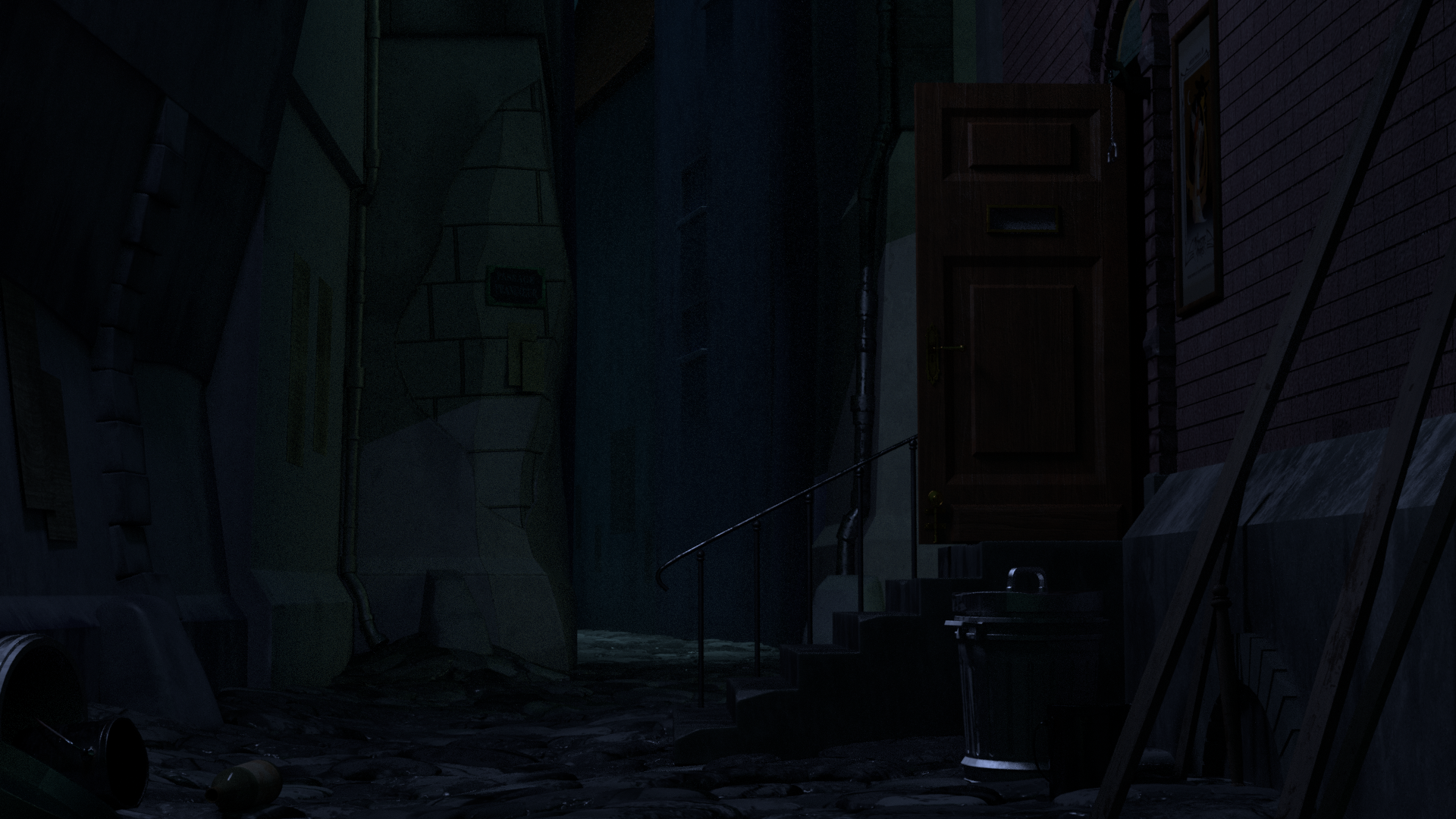
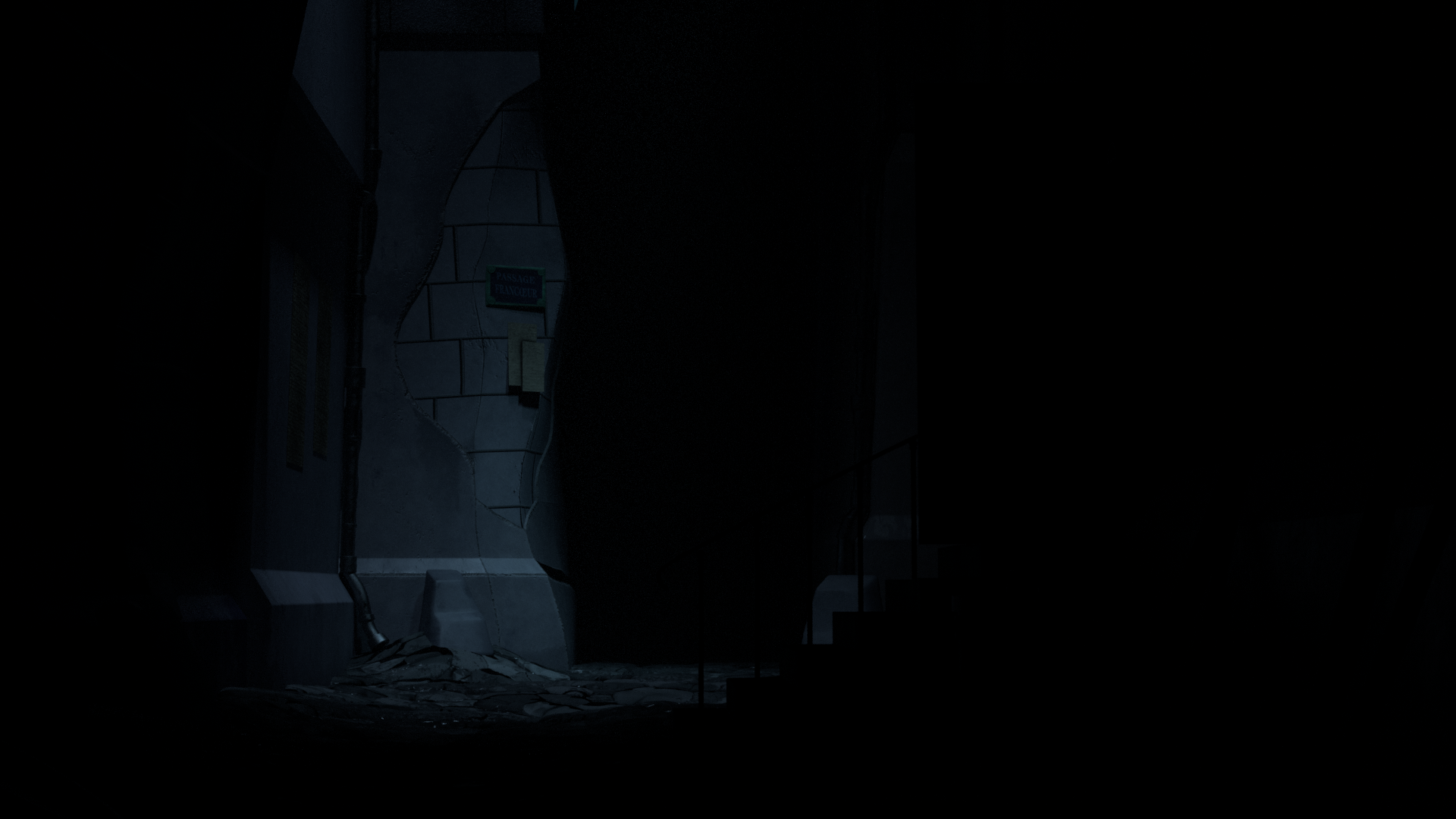
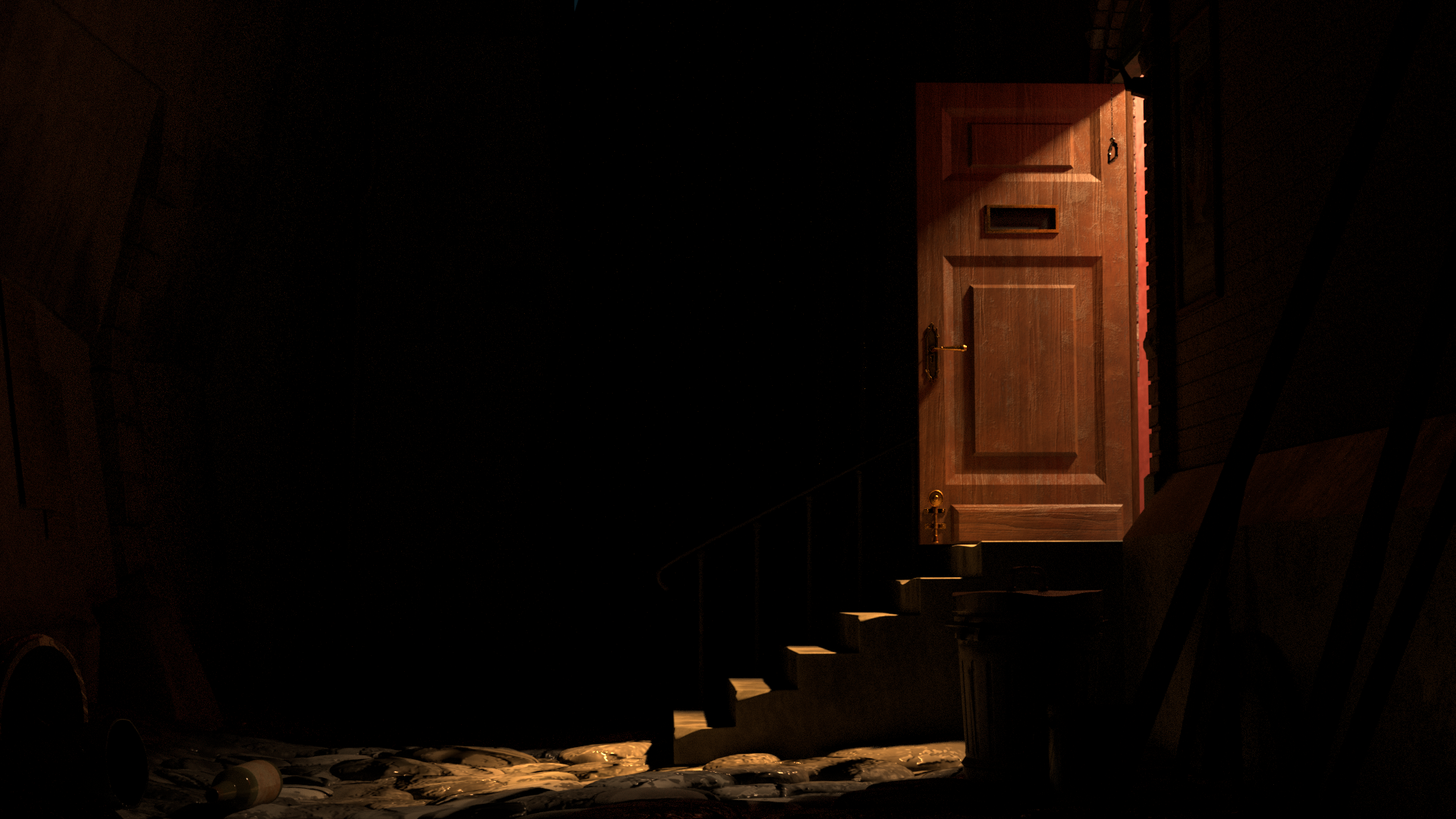
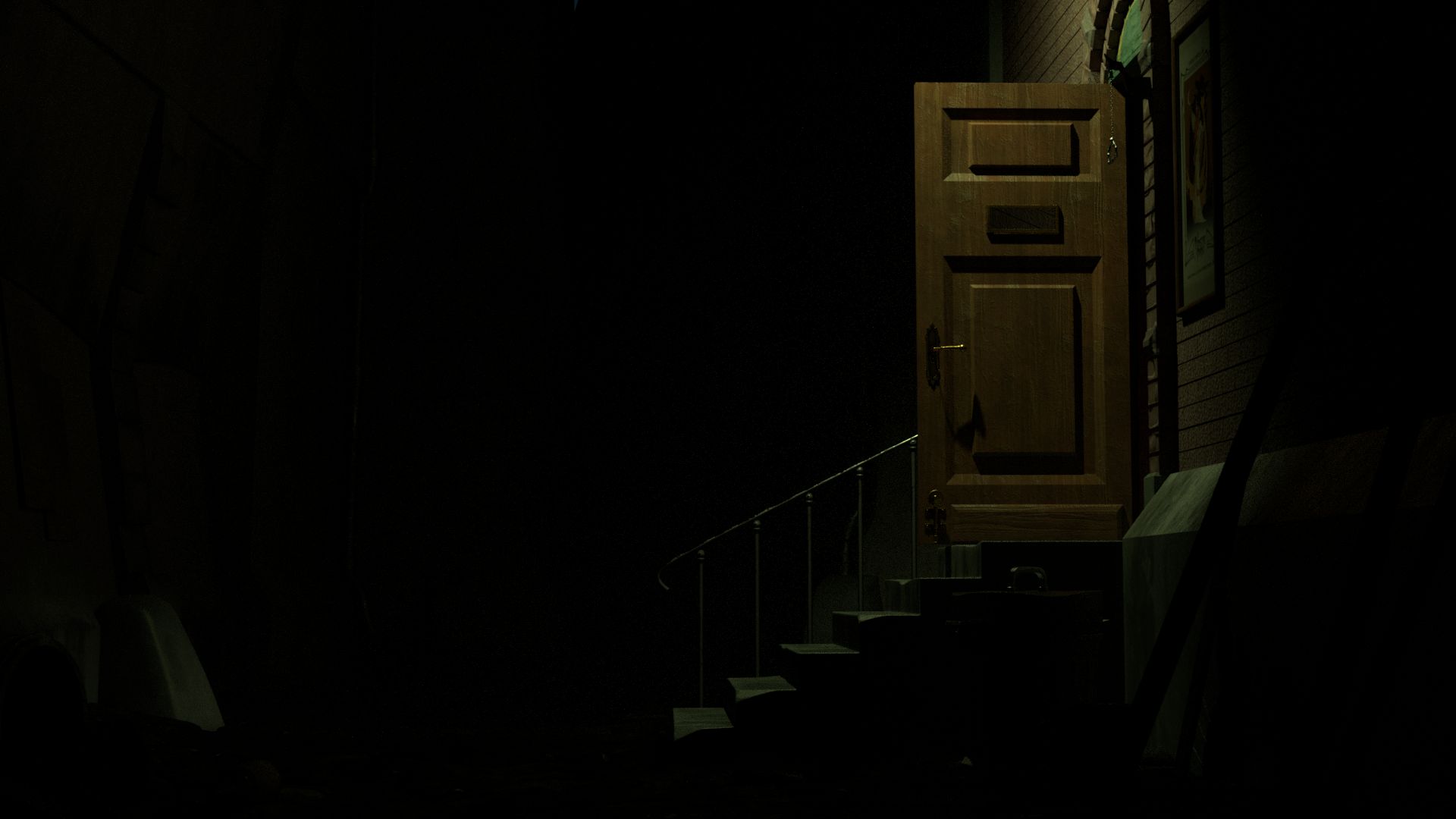
Beauty
Environment Light
Building Spotlight
Hallway Light
Doorway Spotlight
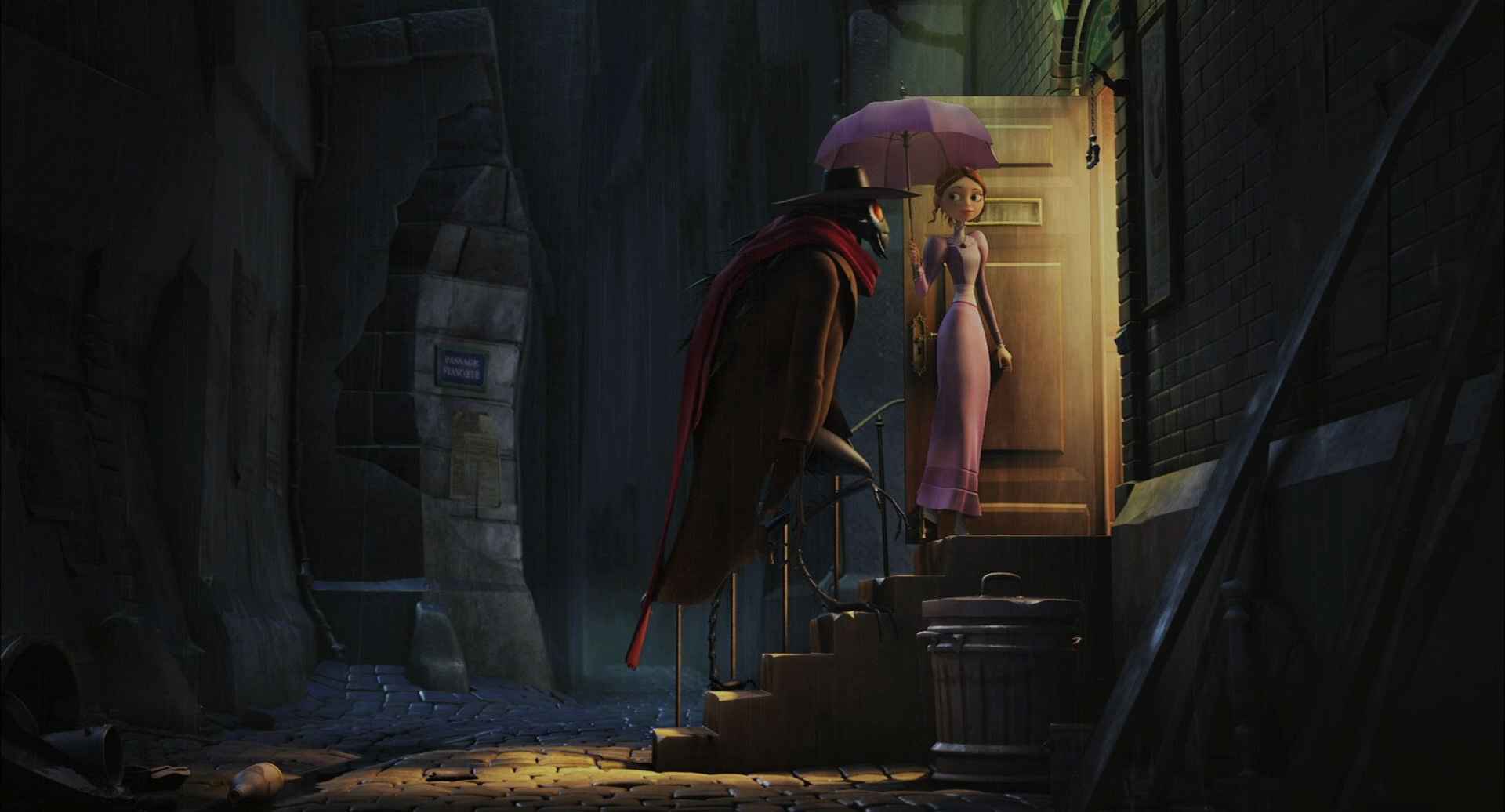
This goal of this project was to recreate a still render of an animated movie as faithfully as possible. This particular shot is from the animated feature film A Monster In Paris.
I was responsible for lighting the scene as well as modeling various assets including the door, the stairs, and the buildings in the background. All other assets were modeled and surfaced by Chelsy Sanchez.


.png)